
Password reset (CIAM)
- Open a modern browser such as Microsoft Edge or Google Chrome and go to the address customer.support.aris.com.
- Enter your email address as your login name:

-
The system should recognize you and suggest “Continue with Single Sign-On”. Click this button:
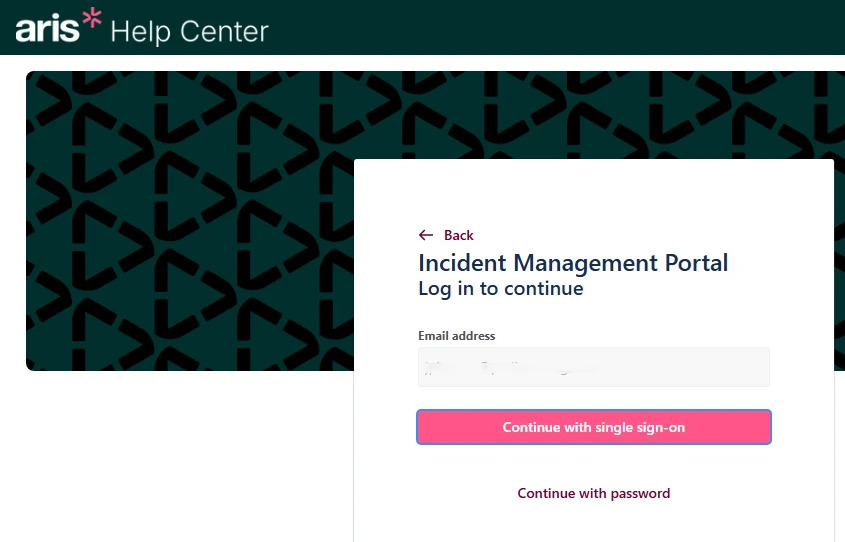
- If necessary, please enter your email address again and then click Continue:

-
You now have the option to reset your password. Click “Forgot Password”:

- After that, confirm the password reset by clicking “Continue” and then check your email inbox. Follow the instructions described there to complete the process.

- With a valid password, you can always access your previous support incidents or create new ones via customer.support.aris.com.