

…Continued from the last part….
see the end of this post to download the scripts.
ARABIC AS REPORT OUTPUT LANGUAGE
(Read article on complete Language Translator Macro here)
(You need to Logged-on to the database with English language(US) even running the macro and report) To get locale specific output just change the language during report evaluation.
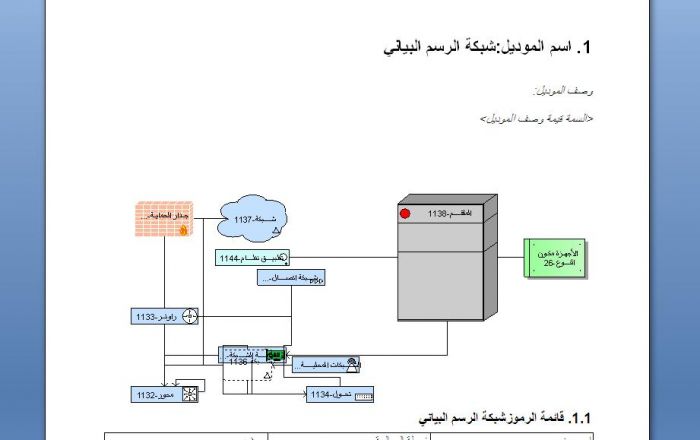
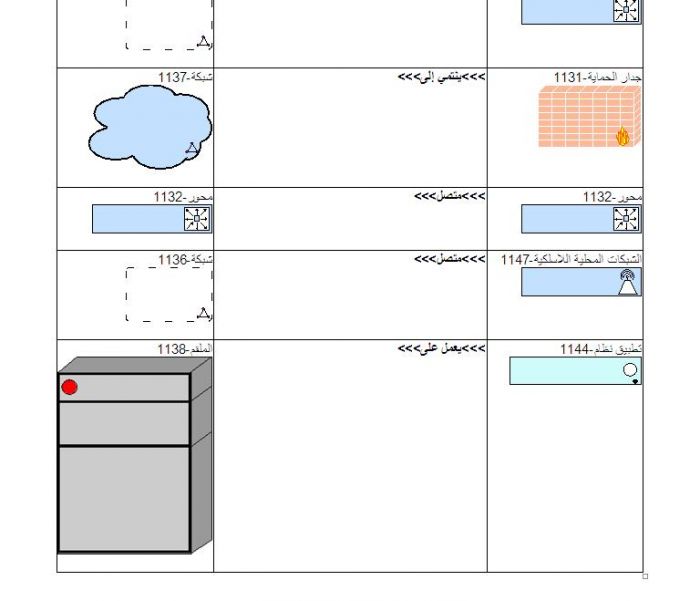
Depending upon the Report selected output, the report will display normal output if any language other than Arabic is selected. On the other hand, the attached report will translate model/symbols/connection in ARABIC if Language selected is any variant of Arabic (Use .doc as output b/c report has been tested on .doc version for Arabic Language). If model name or symbol name are already filled-in by the modelers in ARABIC locale then the report will not touch those and will not attempt to translate them. See the sample screenshot and outputs:




If no translation is found then it will put the following in the model or symbol name:

SAMPLE OUTPUT IN CASE OF LANGUAGE OTHER THAN ENGLISH OR ARABIC

EASY CONFIGURATION FOR TRANSLATION FILE:
In paid version, user can customize the translation file as per his need without worrying about the script or report code
.JPG)
How to use MACRO and REPORT script?
In order to use macro and report create a separate category in macro as well as in report section:
Macro Category Name: <ARIS_META_MODEL> in macro section
Report Category Name: <ARIS_META_MODEL> in report section
Import the attached macro <ARIS_META_MODEL_GENERATOR_V1.AMX> in macro category and <ARIS_META_MODEL_REPORT_V.ARX> in report section.
It’s recommended to create an empty database but in principle this macro can be utilized on already existing database; any case; named the database as “ARIS Meta Model Database” or any other suitable name. Use English as database logged-in language.
Create an empty group/folder named <Filters> and inside this folder create sub-folder with the name of filter that you have used to login i.e. <EASYFILTER or DEMODB or YOUR OWN CUSTOM FILTER>. The name is not important; it will just organize the generated model and good for future reference.
Now right click on the empty sub folder and run the macro à ARIS_META_MODEL_GENERATOR_V1

After a pop-up message, the macro will begin to instantiate the filter which is used during database login.

After that, it will create the symbols + models + connections and nicely arrange them.
At the end, macro will attempt to run the report, if report is not configured then you might see this error:

You can manually run the report by selecting the models within a folder (reports run on model context).
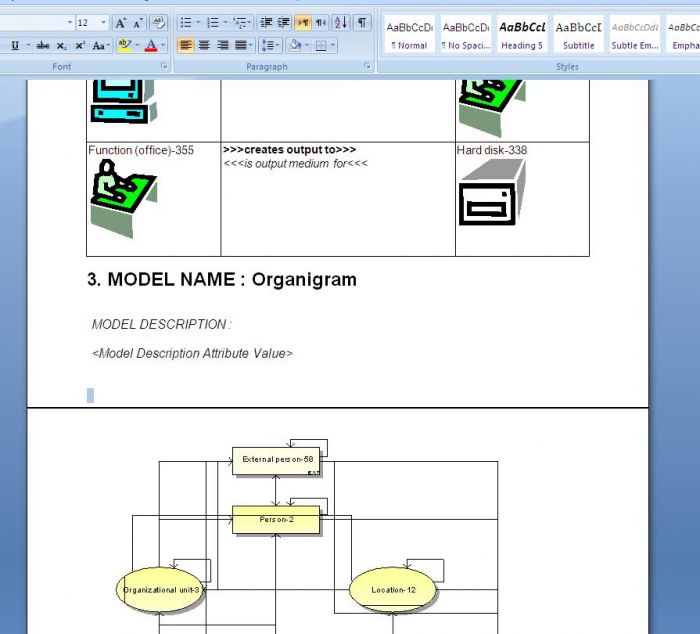
Some sample output from the report:
Possible Error and Remedies
You may encounter some errors (which are not actually error), some models are read-only so macro will not do anything to them as well as to UML model and Vocabulary and Rule Sheets.


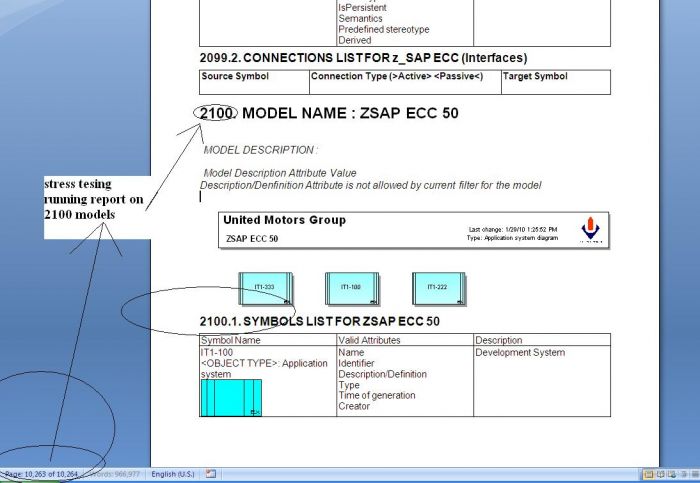
Stress Test
After this, I am now interested to instantiate Entire Method
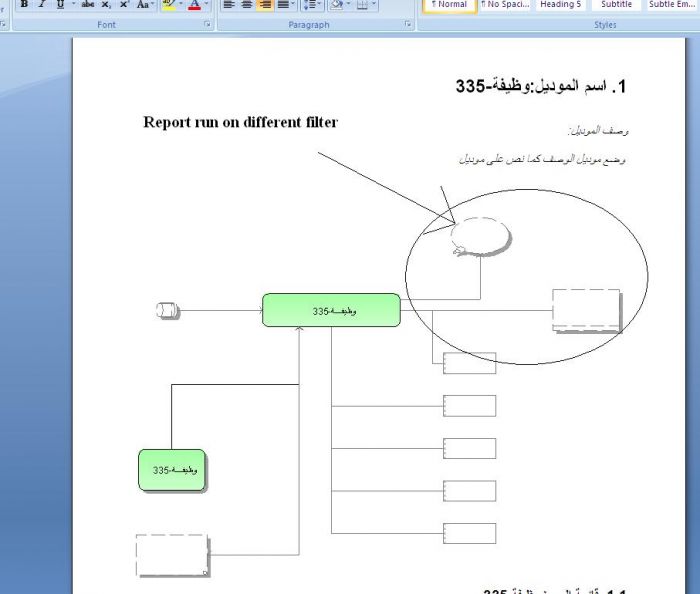
What if someone uses other filtered during report?
No problem, in report, he will see this message.
Attached File Description
- zip file contatins macro
- sample output doc file
adnan shahab Author on
The free version of macro will only instantiate 5 models (this includes any read-only model and any UML model) let say your filter allows 4 normal models + 1 UML then the macro will consider 5 but will actually create 4 models (remember no UML model / Read only model will be created by macro).